 WORKFLOWS
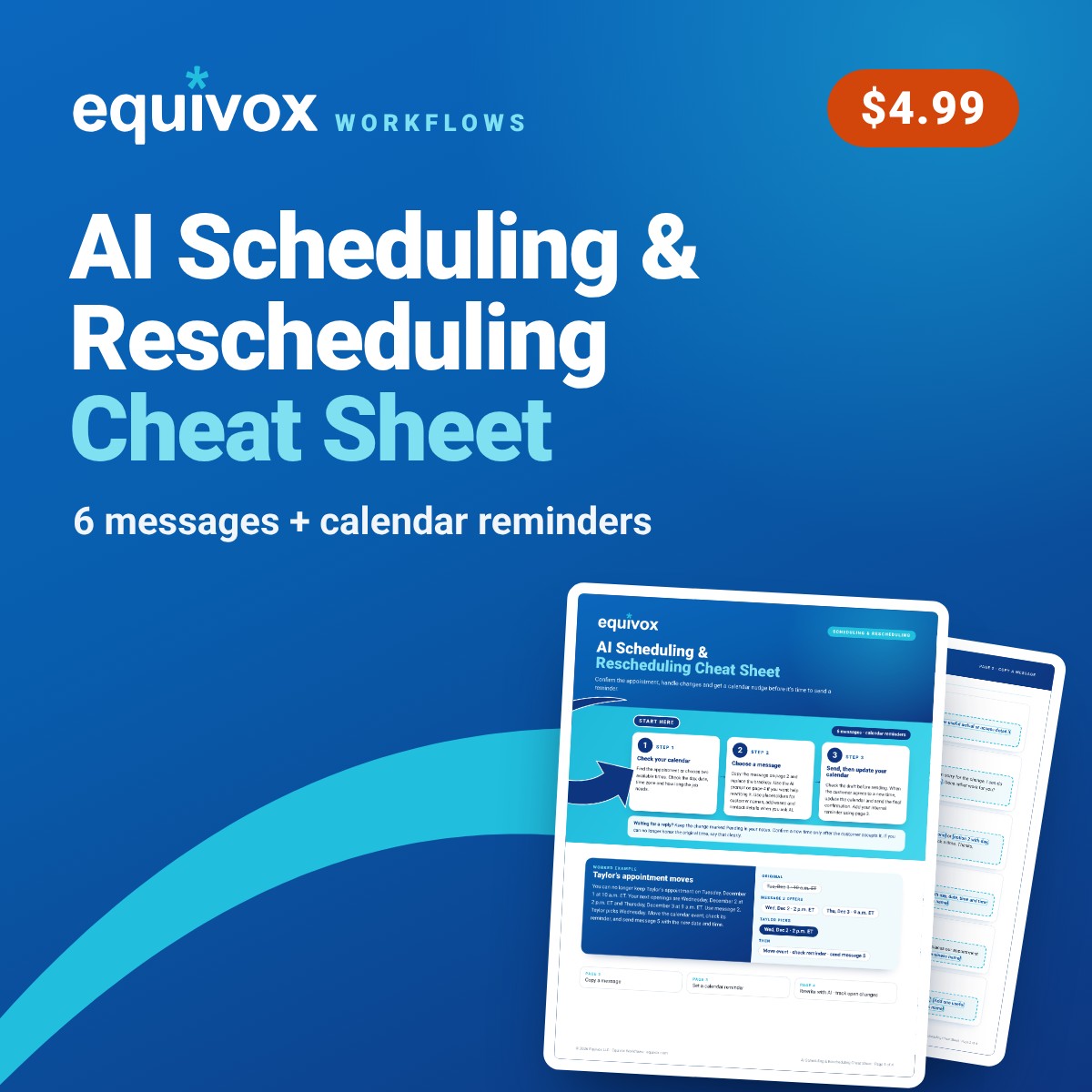
AI Scheduling & Rescheduling Cheat Sheet
What's inside
- A three-step workflow: check your calendar, choose a message, send and update your calendar
- Six ready-to-edit messages for a booking, a schedule change or a reminder
- Separate Google Calendar and Microsoft 365 Outlook instructions for a calendar alert
- An AI rewrite prompt and a tracker for open changes
Who it's for
Contractors, local service businesses and appointment-based professionals who confirm visits and handle changes by email or text.
Know what to say, what's confirmed and when to follow up, without retyping the same messages.
Worked example
Look inside
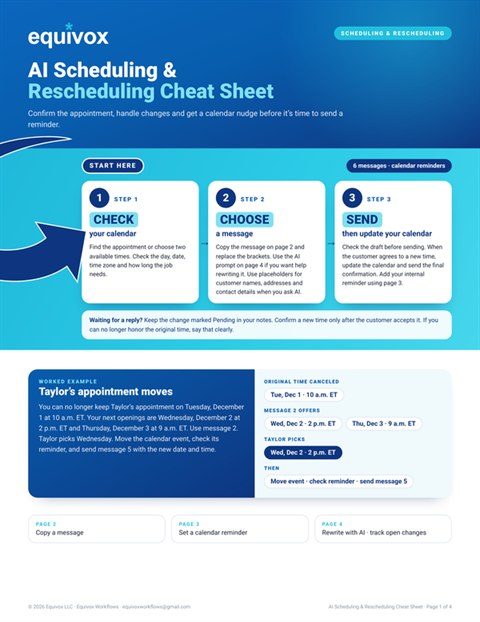
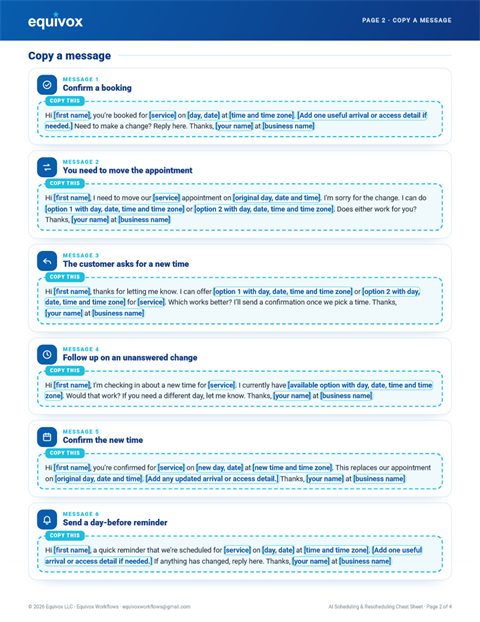
How it works
your calendar.
Look up the appointment and your next openings before you write anything.
a message.
Pick the ready-to-edit message for a booking, a schedule change or a reminder, and fill in the date and time.
then update your calendar.
Send the message, then move or add the calendar event and check its reminder.
AI Scheduling & Rescheduling Cheat Sheet
Questions
Do I need to pay for an AI tool?
No. ChatGPT, Claude and Gemini all have free versions. The messages work on their own too; use the AI prompt only if you want help rewriting one.
Which calendars does it cover?
It includes separate instructions for Google Calendar and Microsoft 365 Outlook.
Is it part of the Starter Bundle?
No. The Scheduling & Rescheduling sheet is a standalone purchase. The Starter Bundle stays three cheat sheets in four PDFs.
What about my customers' private information?
Use placeholders for customer names, addresses and contact details when you ask AI, and check the draft before sending.
 5 AI Prompts for Busy Business Owners
 AI Customer Reply Cheat Sheet
 AI Quote Follow-Up Cheat Sheet
 AI Reviews & Local Social Cheat Sheet
Questions? Send us a note.
Have a question about a cheat sheet, an order or which resource to start with? Send us a note. Leave out passwords, payment information and private customer details.
Prefer email? equivoxworkflows@gmail.com